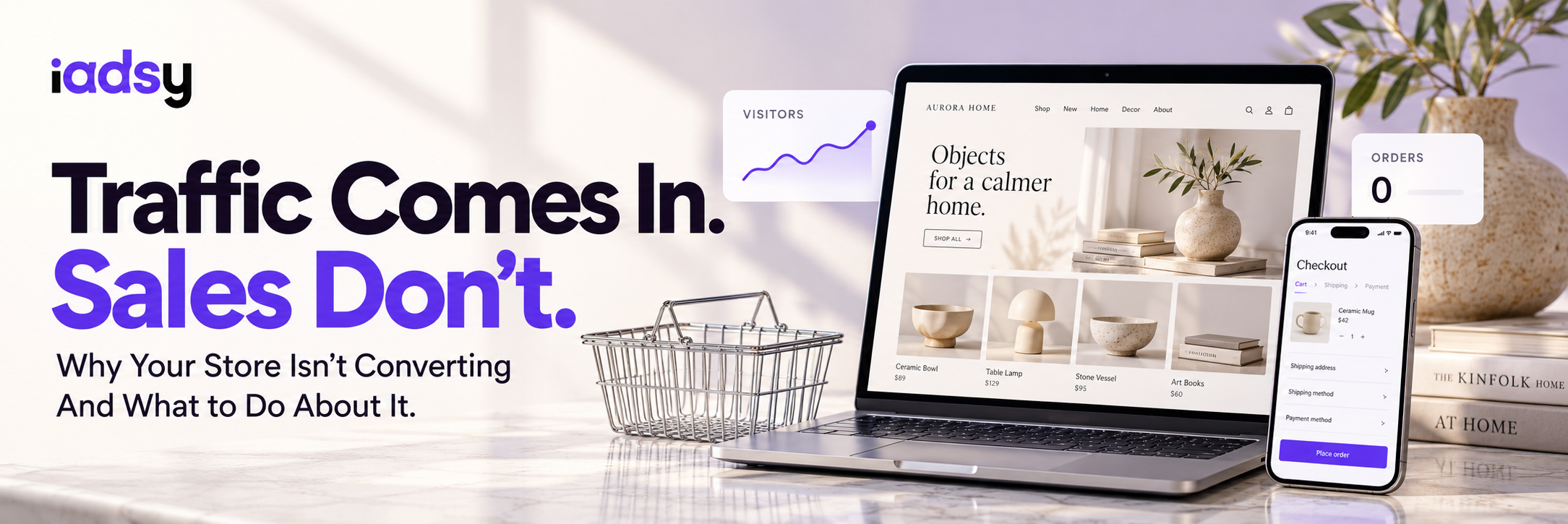

Traffic is there. People come in. Browse products. And leave. No purchase. No add to cart. Just gone.
Sound familiar? I see this every single week. Store owner spends $500, $1,000, $3,000 on ads. Traffic goes up. Sales don't. And the first thought is always "I need more traffic" or "the ads aren't working." But that's not the problem.
The problem is conversion. Meaning what percentage of visitors actually buy something. And if that number is low, any amount of traffic is just money down the drain.
Average eCommerce conversion rate: 2-3%. That means out of 100 visitors, 2 or 3 buy. Sounds low? It is. But if you're below 1%, you've got a problem. And that problem doesn't get solved by throwing more money at ads.
Let me walk through what actually kills conversion. Not textbook theory. The stuff I actually see when I open a client's store.
First Impression: 5 Seconds
Someone lands on your site and decides in 5 seconds whether to stay or leave. Five seconds. Not five minutes. Seconds.
In that time they need to understand three things: what you sell, who it's for, and why here instead of somewhere else. If even one of those isn't clear, they're gone. Not because they don't need your product. Because it's easier to leave than to figure it out.
What I see: beautiful banners with abstract photos and slogans like "Your Journey Starts Here" or "Discover the Difference." Pretty. But what do you sell? Unclear. Where do I click? Unclear. Why here? No idea.
What works: a specific headline about what you sell, a product photo (not a model, not an abstract image, but the product), a price or price range, and one button leading to the catalog or bestsellers.
Product Page: Where Conversion Lives or Dies
The homepage is the door. The product page is the register. This is where the buying decision happens. And this is where most stores blow it.
Photos. One photo on a white background is 2015. Today you need at least 5-7: product from multiple angles, product in someone's hands or on a person, product in context of use, close-up details and texture. Video is even better. A buyer can't touch the product online. Your photos are their hands.
Description. "Beautiful premium quality product made from the finest materials." That's not a description. That's nothing. A description should answer one question: "Why do I need this?" Not specs (though those should be there too), but benefits. Not "100% cotton" but "soft like your favorite old tee, but looks brand new even after 50 washes." Specs are for logic. Benefits are for emotion. People buy with emotion.
Price and shipping. If someone finds out about shipping costs only at checkout, you've lost them. Research from the Baymard Institute shows 48% of shoppers abandon their cart because of unexpected extra costs. Forty-eight percent. Show shipping cost (or "free shipping on orders over $X") right on the product page. Before they click "Buy."
Reviews. I've written about this before but I'll say it again because it's that important. A store without reviews is a store without trust. Even a handful of reviews with photos beats zero. And make sure they show stars, dates, and a "Verified Purchase" badge. One 4-star review adds more trust than ten 5-star ones.
Mobile: Where 80% of Your Traffic Lives
I know you designed your store on a laptop. Big screen. And on the laptop it looks great. Now open it on your phone.
Is the "Buy" button visible without scrolling? Or do you have to scroll down to find it? Are product photos cropped weird? Is text readable without zooming? Is checkout usable on a small screen?
80% of ad traffic comes from mobile. If your mobile experience is clunky, you're losing four out of five shoppers. No amount of advertising compensates for that.
What I see most often: the "Add to Cart" button disappears when you scroll, so someone who's read the descriptions and reviews and is ready to buy has to scroll all the way back up to find the button. Half of them won't. Fix: a sticky button at the bottom of the screen that's always visible.
Speed: Every Second Costs Money
Google says 53% of mobile visitors leave a site that takes more than 3 seconds to load. Three seconds. Count it out. One. Two. Three. Half your visitors are gone.
Check your store right now: Google PageSpeed Insights. Enter your URL and look at the number. Below 50 on mobile? You've got a problem.
What usually slows things down: unoptimized images (3-5 MB each instead of 200-300 KB), too many apps and plugins each loading their own JavaScript, a bloated theme pulling unnecessary code, no caching.
Fix: compress images (TinyPNG or built-in tools), remove apps you're not using, pick a lightweight theme. Sometimes removing 5 unused apps speeds up the site more than any technical optimization could.
Trust: Why Strangers Won't Give You Their Money
The buyer doesn't know you. They're seeing your store for the first time. You're asking them to hand over their credit card number and home address. Why should they trust you?
Trust elements that are usually missing:
About Us page. Who are you? Where are you? What's your story? A photo of the team or founder. People trust people more than logos.
Contact information. Email, phone, chat. If a buyer can't reach you, they won't take the risk.
Return policy. Clear, easy to understand, in a visible spot. Not buried in the footer in tiny font. Stores with good return policies sell more because they take the risk off the buyer.
Security badges. SSL, payment processor icons, "Secure Checkout." Basic stuff that adds a sense of safety.
Real reviews and UGC. Photos from actual customers. Video reviews. Social media mentions.
Checkout: The Last Stretch
Someone picked a product. Clicked "Buy." Added to cart. Went to checkout. And here the store loses another 20-40% of buyers. Right at the finish line.
Why:
Too many steps. The fewer steps between "I want to buy" and "paid," the better. Ideally one or two screens. Not five pages of forms.
Mandatory registration. "Create an account to continue." This is the number one conversion killer at checkout. Always offer Guest Checkout. They can create an account after the purchase.
Surprise costs. The buyer thought the product was $49. At checkout they see: product $49 + shipping $12 + tax $4.50 = $65.50. Sticker shock. Abandoned cart. Show everything before checkout.
Limited payment options. Credit card is the minimum. Add Apple Pay, Google Pay, PayPal, Shop Pay. Each additional payment method reduces friction.
How to Figure Out Where Exactly the Problem Is
Don't guess. Look at data.
Google Analytics: look at the funnel. How many people hit the homepage? How many go to a product? How many add to cart? How many start checkout? How many buy? Where the biggest drop happens, that's your problem.
Heatmaps (Hotjar, Microsoft Clarity): show where people click, how far they scroll, where they stop. Clarity is free and works great.
Session recordings: watch 20-30 recordings of real visitors. You'll see things you never would have noticed. Where they get confused, where they pause, where they leave.
Quick Wins: What You Can Do Today
- Add a sticky "Add to Cart" button on mobile. 10 minutes of work, noticeable impact on conversion.
- Show shipping cost on the product page. Or put "Free shipping on orders over $X" in a banner.
- Turn on Guest Checkout if it's off.
- Compress all images to 200-300 KB.
- Add at least 3-5 reviews to your main products. Ask your first customers or friends.
- Check your site on your phone. Walk through the entire path from homepage to payment. Every spot where it feels awkward is a spot where you're losing sales.
When You Need a Professional Audit
You can check all of this yourself. But here's the thing: when you look at your own store every day, you stop seeing the problems. You're used to them. Everything seems "fine."
A professional audit is an outside perspective. Fresh eyes from someone who sees hundreds of stores and knows what works and what doesn't. Not a template PDF with generic recommendations, but a specific breakdown of your store with an action plan: what to fix first, what second, what will have the biggest impact.
We do these audits. Full breakdown: UX, catalog, product pages, checkout, mobile, speed, SEO, analytics. With specific recommendations for your business.
Want to find out what's killing your conversion? Reach out.
→ DM on Instagram: @iadsy_com
→ Telegram: t.me/iadsy_ecom
→ Or via our website: iadsy.com
Or .
Vasyl Staroshchuk
Co-founder of iAdsy
I’m Vasyl, co-founder of iAdsy. We build, fix, and scale eCommerce stores. 15+ years, US and EU markets.
Build It. Launch It.
Keep Getting Better.
eCommerce Next Level · An 8-week live course