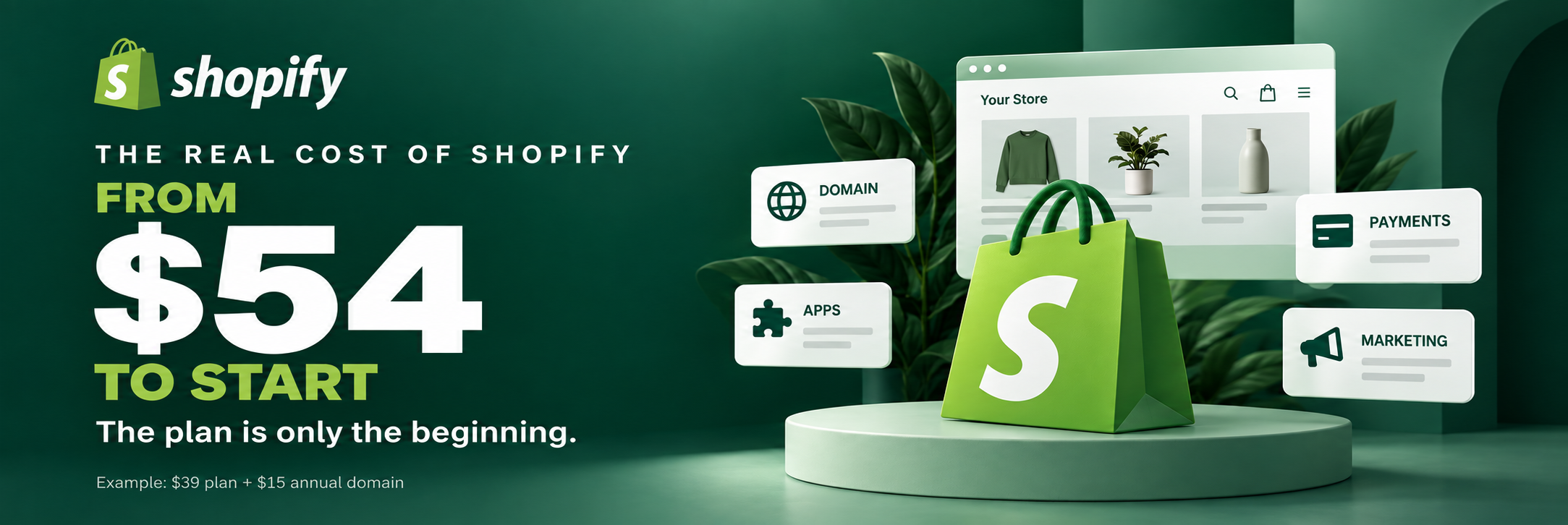

If you’ve already been thinking about opening your own Shopify store or moving an existing one from another platform, chances are you’ve started looking into pricing. And the first thing you saw: $39 a month.
Sounds great and appealing. And it is the US monthly price for the Basic plan. But that’s just the starting point. Because between “creating a Shopify account” and “having a working store that actually sells” there’s a whole gap of costs that nobody warns you about.
I have over 50 successful Shopify projects behind me and I know exactly what it costs in practice. I’m going to lay out the numbers, no sugarcoating and no exaggeration, so you can plan your budget before you even hit “Start free trial.”
All amounts below are in USD. Plan examples use US monthly billing, before taxes and promotional discounts. App, theme, and marketing budgets are planning estimates; actual costs depend on your store and providers.
What $39 Gets You
The Basic Shopify plan at $39/month gives you a working store. Hosting, SSL certificate, analytics, and the ability to sell unlimited products. That’s honestly solid for getting started. Additional staff accounts are not included on Basic.
But here’s the thing. For $39 you get a platform. Not a ready business. The difference is roughly like renting an empty space versus a fully stocked store with products on the shelves.
For $39 you get a platform. Building a business takes a separate budget.
Domain: Budget Around $15/year
You need your own domain name. Without it, your store lives at yourstore.myshopify.com, which looks less professional and can hurt buyer trust.
A standard domain can cost around $10 – 15 per year, depending on the extension, registrar, and renewal price. You can buy one directly through Shopify or through Namecheap, GoDaddy, or Cloudflare. Premium names can cost much more.
It’s an annual expense that won’t usually dent your budget. A $15/year domain adds $1.25 per month when you spread that cost across the year.
Theme: Free, Or a One-time Investment
Shopify has its own library of free themes and they work just fine. Dawn, Refresh, Craft, Sense. They’re enough for launch: functional and fast.
For a paid theme, you might budget $180 – 400, though some themes cost more. They give you more customization options, different design choices, and often include functionality you’d otherwise need to pay for through apps.
If the budget allows, a paid theme can pay for itself. But not necessarily in your first week. I have a principle I want to share with you:
Launch First, Improve Later.
So for the beginning, a free theme absolutely has its place.
Apps: This is Where Reality Kicks In
This is where the budget starts to grow. The Shopify App Store has thousands of apps, and many of the ones you may want cost money. Every month.
Here’s a practical starting budget for common functions. You don’t need a separate paid app for every function.
Reviews: $0 – 15/month. Reviews help buyers feel confident. Judge.me has a free plan that covers the basics.
Email marketing: $0 – 30/month. Shopify’s email tool includes 10,000 free emails per month. Klaviyo’s free tier covers up to 250 active profiles and 500 monthly email sends.
SEO: $0 – 20/month. You can handle basic SEO manually. Paid tools can add automation and site audits.
Upsells and cross-sells: $0 – 15/month. Can increase average order value. More useful once you have steady traffic.
Shipping tracking: $0 – 10/month. Start with built-in order tracking. Add a dedicated tool when you need more.
Popups and email capture: $0 – 20/month. Turn visitors into subscribers. Check whether your email tool already covers this.
Backups: pricing varies. Plan for exports or a backup app. Pricing and restoration coverage depend on the provider.
In practice, a running store might spend $30 to $150 a month on apps. And that number grows with the store as new needs come up: loyalty programs, subscriptions, and accounting integrations.
Treat this as a budgeting guide, not a required shopping list. Free tiers have limits, and some apps charge by orders, contacts, usage, or store plan.
Transaction Fees
Payment processing takes a cut of every transaction. For this example, use a Basic plan card rate of 2.9% + $0.30 per online transaction through Shopify Payments in the US. Actual rates depend on the card and payment method.
If you use a third-party payment provider, Shopify’s additional Basic plan transaction fee is generally 2%, on top of that provider’s processing charges, subject to applicable exceptions.
The important detail: revenue alone isn’t enough to calculate your fees. You also need the number of transactions.
Processing Fees = Revenue × 2.9% + Orders × $0.30.
At an average order value of $50, $5,000 in monthly sales means 100 orders and approximately $175 in card fees. At $20,000 in monthly sales, 400 orders would mean approximately $700 in card fees.
Higher plans, such as Grow at $105/month and Advanced at $399/month with US monthly billing, offer lower card rates. When your volume grows, upgrading can pay for itself through lower fees.
Some apps also change their pricing based on your Shopify plan or usage. Factor in the whole bill before upgrading your tier.
Shipping and Fulfillment
If you’re selling physical products, shipping is a separate budget. Shopify offers discounted carrier rates for eligible US shipments, but you still need to pay for packaging, labels, and the actual shipping.
For dropshipping or print-on-demand, check your supplier’s breakdown: shipping may be included in a quoted price or charged separately. Either way, it reduces the amount you keep from each sale.
Marketing: The Biggest Line Item
This is the part that’s easy to underestimate. The store itself might cost $100/month. But traffic? Traffic can cost way more.
Here are starting ranges to help you plan. They aren’t platform minimums or a guarantee of enough data to make a decision.
Meta Ads Testing: $300 – 500/month.
Google Ads Testing: $300 – 500/month.
SEO Support From an Agency: $500 – 2,000/month.
Photos, Videos, and Copywriting: $200 – 1,000/month.
You can start without paid ads by using organic channels: Instagram, SEO, email. It takes longer and still requires time, but it can reduce your cash spending.
We always recommend having at least one basic organic channel going before investing in paid traffic.
Real Numbers: Three Scenarios
Minimum Start — Testing an Idea.
Shopify Basic $39 + domain $1.25/month, averaged from $15/year + free theme + free apps + organic marketing = Approximately $40.25/month.
First-month cash outlay: $54 if you pay for the annual domain at launch. Payment fees begin when you make sales.
Working Store — First Sales, Small Budget.
Shopify Basic $39 + domain $1.25 + apps $50 – 80 + Meta Ads $300 + an illustrative $50 payment-fee allowance = Approximately $440 – 470/month.
Growth Stage Store — Steady Sales, Scaling.
Shopify Grow $105 + domain $1.25 + apps $100 – 200 + ads $1,000 – 3,000 + an illustrative $200 payment-fee allowance + content $300 = Approximately $1,706 – 3,806/month.
These examples exclude inventory, cost of goods, shipping, taxes, returns, owner time, and any hired setup work. Replace the fee allowances with your expected sales and order count. The growth range is not a spending cap.
These numbers aren’t here to scare you. They’re here so you make decisions based on reality, not marketing promises.
What You Don’t Need to Buy at Launch
A Paid Theme. Start with the free Dawn theme. Seriously.
Expensive Apps. If an app costs $50/month and you don’t have sales yet, make sure it solves an essential launch problem before subscribing.
Custom Development. For many straightforward stores, standard Shopify is enough to validate the idea and start taking orders.
A Professional Photoshoot. Start with your phone and natural light. Upgrade when sales come in.
Where Shopify Actually Saves You Money
With all these costs, Shopify can still be cost-effective when you do the math correctly. WooCommerce’s core software is free, but hosting, security, updates, and developer time belong in the comparison. Magento projects can involve a very different implementation and maintenance budget.
Shopify handles the hosting and platform updates, and provides a PCI-compliant platform. You don’t need to maintain its servers or hire someone to manage that infrastructure.
That work is included in the subscription. Which platform costs less overall depends on your store, your requirements, and how much technical work you can handle yourself.
One Piece of Advice
Before you launch, do a simple calculation in a spreadsheet. First, add up your fixed monthly expenses: the plan, fixed app subscriptions, and your planned marketing budget.
Then calculate what you keep from an average order after product cost, payment fees, packaging, shipping you cover, and other variable costs.
Break-even Orders Per Month = Fixed Monthly Costs ÷ Contribution Per Order.
For example, if your fixed costs are $450/month and each order contributes $15 after variable costs, you need 30 orders a month to cover those fixed costs. Don’t count the same expense in both parts of the calculation.
If that number looks realistic, go for it.
We help businesses not just launch stores, but figure out the economics before launch. Because there’s nothing worse than finding out you’re losing money on every sale three months in.
Need help planning? Reach out, we’ll review your situation.
DM on Instagram: @iadsy_com
Telegram: @iadsy_ecom
Or .
Vasyl Staroshchuk
Co-founder of iAdsy
I’m Vasyl, co-founder of iAdsy. We build, fix, and scale eCommerce stores. 15+ years, 120+ projects, US and EU markets.
Build it. Launch it.
Keep getting better.
eCommerce Next Level · An 8-week live course